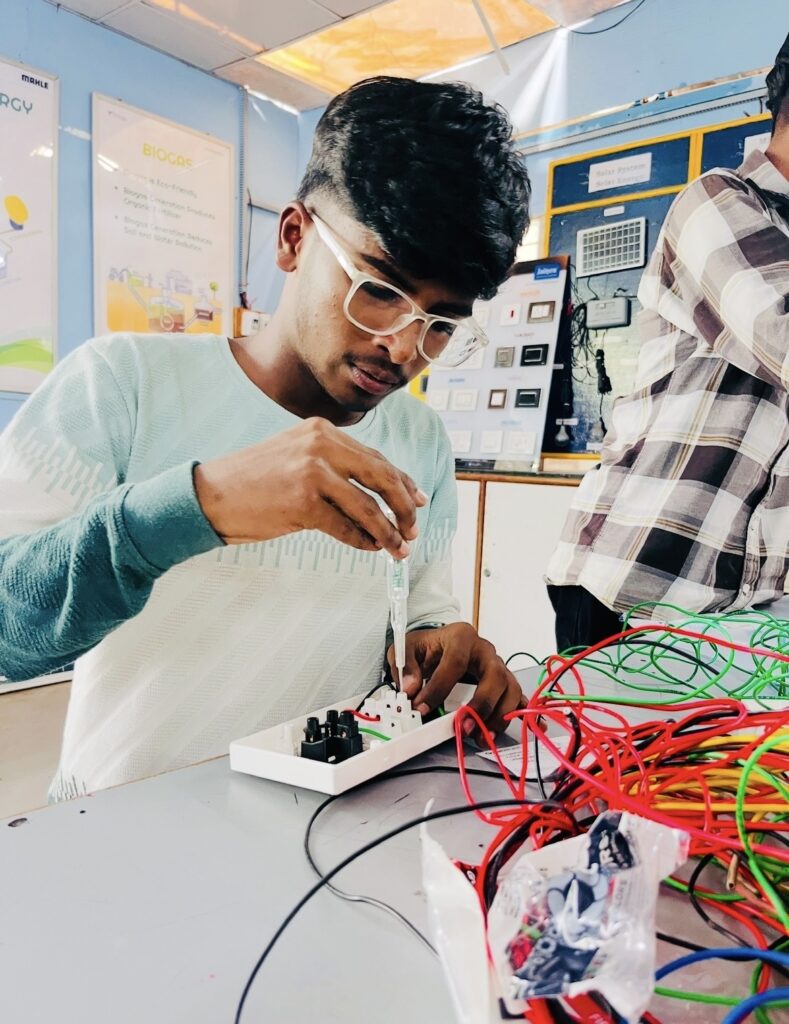
*This board has 2 switches and 2 sockets. Connecting it is very easy. Follow the steps below:
! Safety Warning: Keep the household MCB / Main
Power supply off while making the connections or wiring the main board.
Easy steps to make the connection
1. Phase (Live – Red wire) connection
* Connect the two switches: Take a small piece of red wire and bridge the bottom terminals of both switches.
* Main Phase Supply: Connect the red (Phase) wire of the main supply to the bottom terminal of either of these two switches.
2.Connection of the socket to the switch
•First socket: Run a short red wire from the top terminal of the first switch and connect it to the Line (‘L’) terminal of the first socket (as your photo shows a red wire already attached).
•Second socket: Run a small red wire from the top termina of the second switch to the Line (‘L’) terminal of the second
socket.
3. Neutral (black wire) connection
•Connect the black (Neutral) wire of the main supply to the Neutral (‘N’) terminal of the first socket.
•From there, connect a small black wire and take it to the ‘N’ terminal of the other socket and tighten it.
4. Earthing (Green wire)
* If an earthing wire (green) is available in your house, then connect it to the big hole (Earth Terminal) at the top of the socket and connect the big holes of both the sockets with a wire.
Important: Tighten all screws properly with a tester/screwdriver to ensure there is no sparking or loose connections.